November 12, 2026
Smartlead Alternatives: 10 Tools Compared for 2026
Cold-email buyers often compare platforms by counting features. That misses the reasons teams switch: costs that are hard to justify, sending infrastructure that needs constant attention, or a workflow that has become a second job.
Use three criteria instead: what the platform costs to run, how much control it gives you over sending, and how much work it takes to keep campaigns moving. Each alternative below gets a blunt comparison with Smartlead, a migration tip, and a pricing point to check before you commit.
The market includes email-first senders, multichannel platforms, and suites that combine prospect data with outreach. There is also a service route: Ever Outbound offers managed outbound with a pay-per-close option, so payment is tied to closed deals rather than software access.
Whatever you choose, assess the list before you scale. A relevant, verified prospect list gives your campaigns a stronger starting point than an unreviewed export. For founders raising seed capital, this set of US investor emails for seed founders is one example of a targeted list.
Table of Contents
- 1. Instantly
- 2. lemlist
- 3. Saleshandy
- 4. Woodpecker
- 5. Apollo
- 6. Reply.io
- 7. Mailshake
- 8. QuickMail
- 9. SmartReach.io
- 10. Salesforge
- Smartlead Alternatives at a Glance
- Pick Your Path: Better Software or Booked Calls
1. Instantly
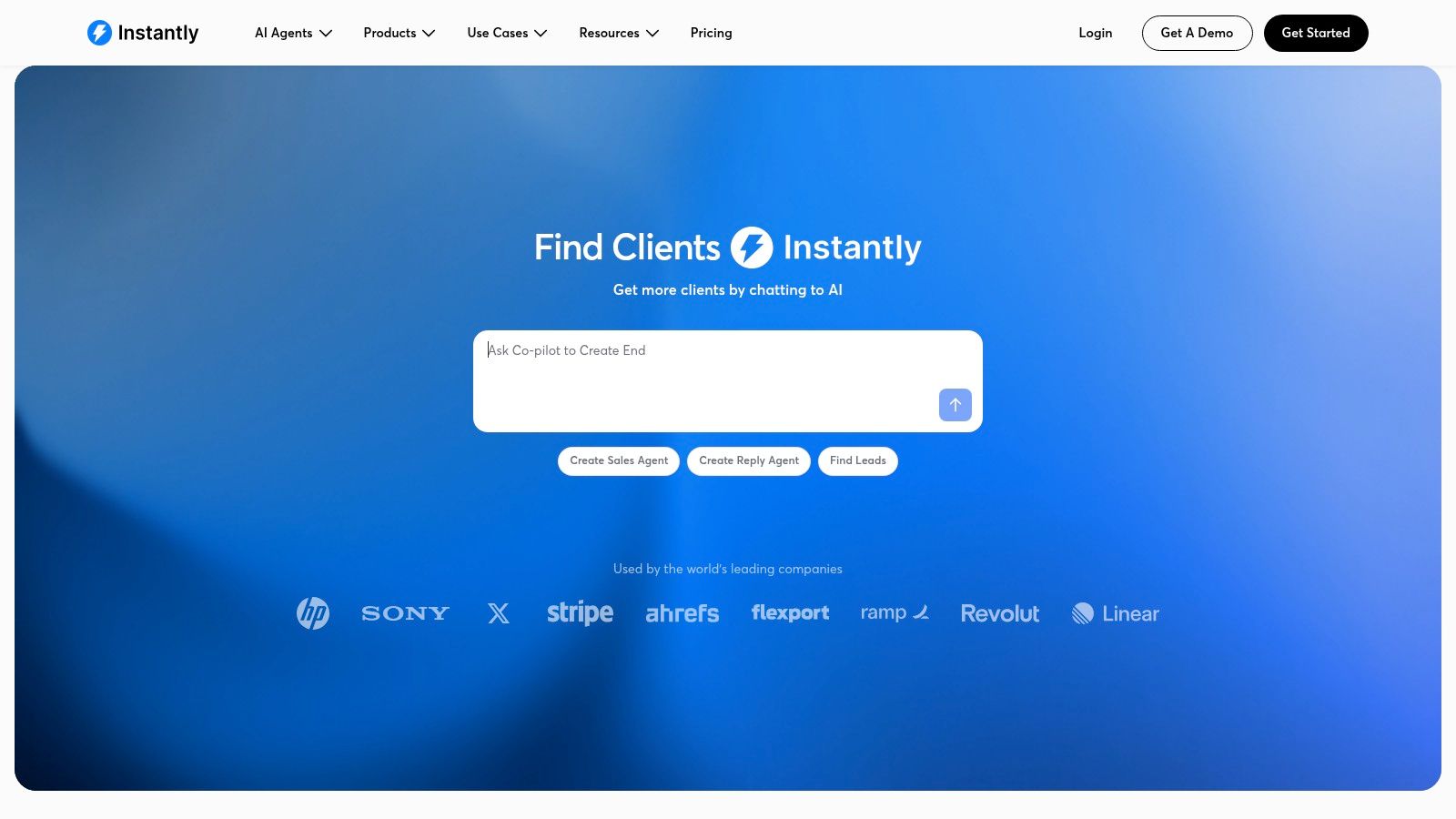
Instantly is the closest thing to a drop-in replacement for an email-first team. If your whole motion is cold email from a fleet of mailboxes, this is the first tool I'd evaluate, and it's where most Smartlead refugees land.
vs. Smartlead: Instantly connects unlimited mailboxes on paid plans and its built-in lead data is genuinely more usable than Smartlead's thin native prospecting. Smartlead still holds an edge on pure inbox orchestration and cross-client structure.
The trap is the volume mindset. An analysis of 31 million cold emails sent in 2025 found a 4.5% average reply rate, but sequences sent to 21 to 50 recipients hit 6.2% against 2.4% for sequences sent to 500 or more, according to Fortitude Media's cold email analysis. Bigger lists, worse replies. Instantly will happily let you send more.
- Pricing trap: uploaded contacts and monthly sends are capped per tier, and lead data or inbox-placement testing can bill as separate credits.
- Migration tip: export leads to CSV, rebuild your two best sequences, import the suppression list, then reconnect mailboxes and ramp over a week.
- Watch for: reply handling and AI agent access shift between plans.
Start at Instantly, or read the Instantly and Ever Outbound comparison.
2. lemlist
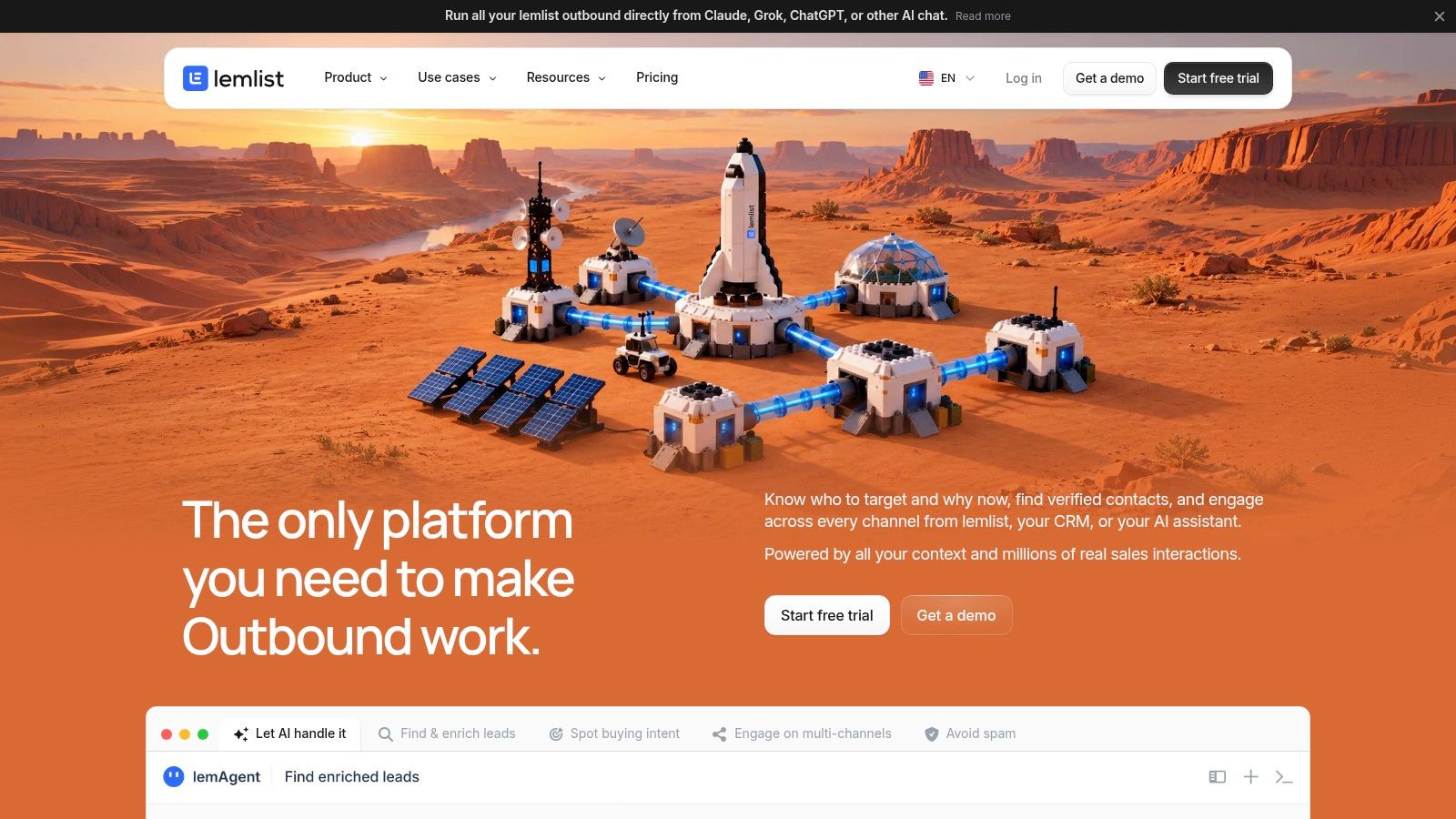
lemlist earns its slot when email alone isn't enough and you want LinkedIn and calling steps inside the same sequence. The personalization layer, image templates, custom variables, conditional branches, is the deepest in the email-first group.
AI isn't the differentiator it's sold as. LinkedIn's 2025 research on AI in B2B sales found 56% of B2B sales professionals reported using AI daily, which means an AI-written first line now reads exactly like everyone else's AI-written first line.
The Real Trade-Off
vs. Smartlead: lemlist prices multichannel seats per user. Smartlead prices sending volume. Three reps on multichannel plans cost meaningfully more than one operator sending hard.
- Pricing trap: email-only and multichannel are separate products with separate limits, and enrichment or buying signals burn credits on top.
- Migration tip: move your best email sequence first, keep LinkedIn steps manual for two weeks, then automate once the copy proves itself.
- Cons: setup friction is real. Sending windows, sequence logic, and DNS decisions all need calls that Smartlead doesn't ask you to make.
See lemlist, plus the lemlist and Ever Outbound breakdown.
3. Saleshandy
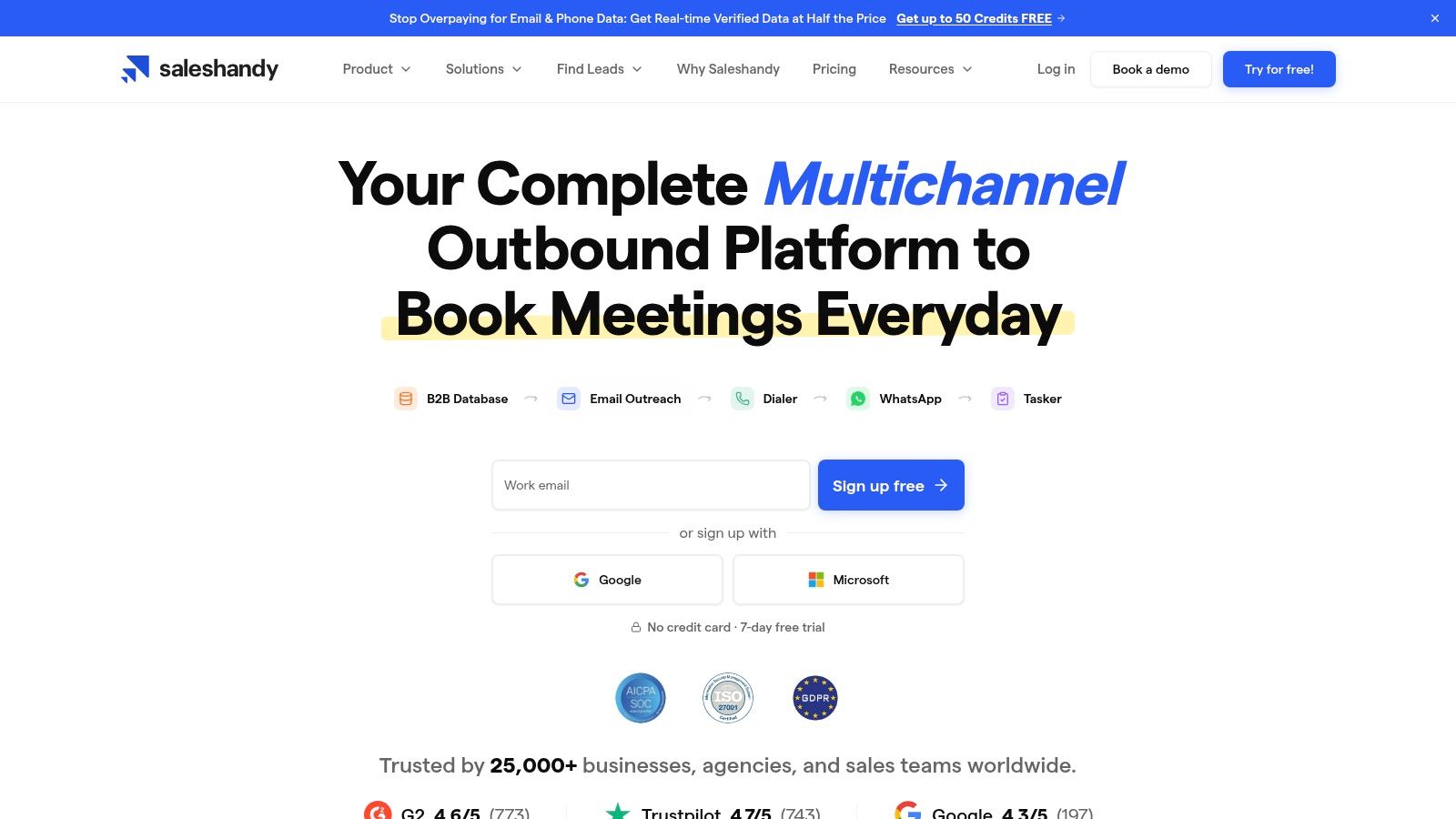
Saleshandy is the pragmatic small-team pick: sequences, a unified reply inbox, and lead finding in one subscription. Connected email accounts aren't charged individually on listed plans, which matters more than it sounds once you pass 30 mailboxes.
Report on the Right Denominator
It's easy to blame the platform when reporting is what's broken. Mailchimp defines click rate as the percentage of delivered emails that generated at least one click, and notes that average open and click rates vary by audience, industry, and company size, per Mailchimp's open and click rate guidance. Replies divided by sends is a vanity ratio. Replies divided by delivered messages tells you something.
vs. Smartlead: Saleshandy bundles sequencing and reply management cleanly and avoids per-account charges. Smartlead pulls ahead when you need heavier mailbox rotation and client workspaces.
- Pricing trap: active-prospect caps and monthly email allowances vary by tier, and verification credits sit outside that.
- Migration tip: map every sequence step before importing, because subsequences and multivariant testing live on higher plans.
- Cons: the entry tier is tight for a real campaign.
Start at Saleshandy.
4. Woodpecker
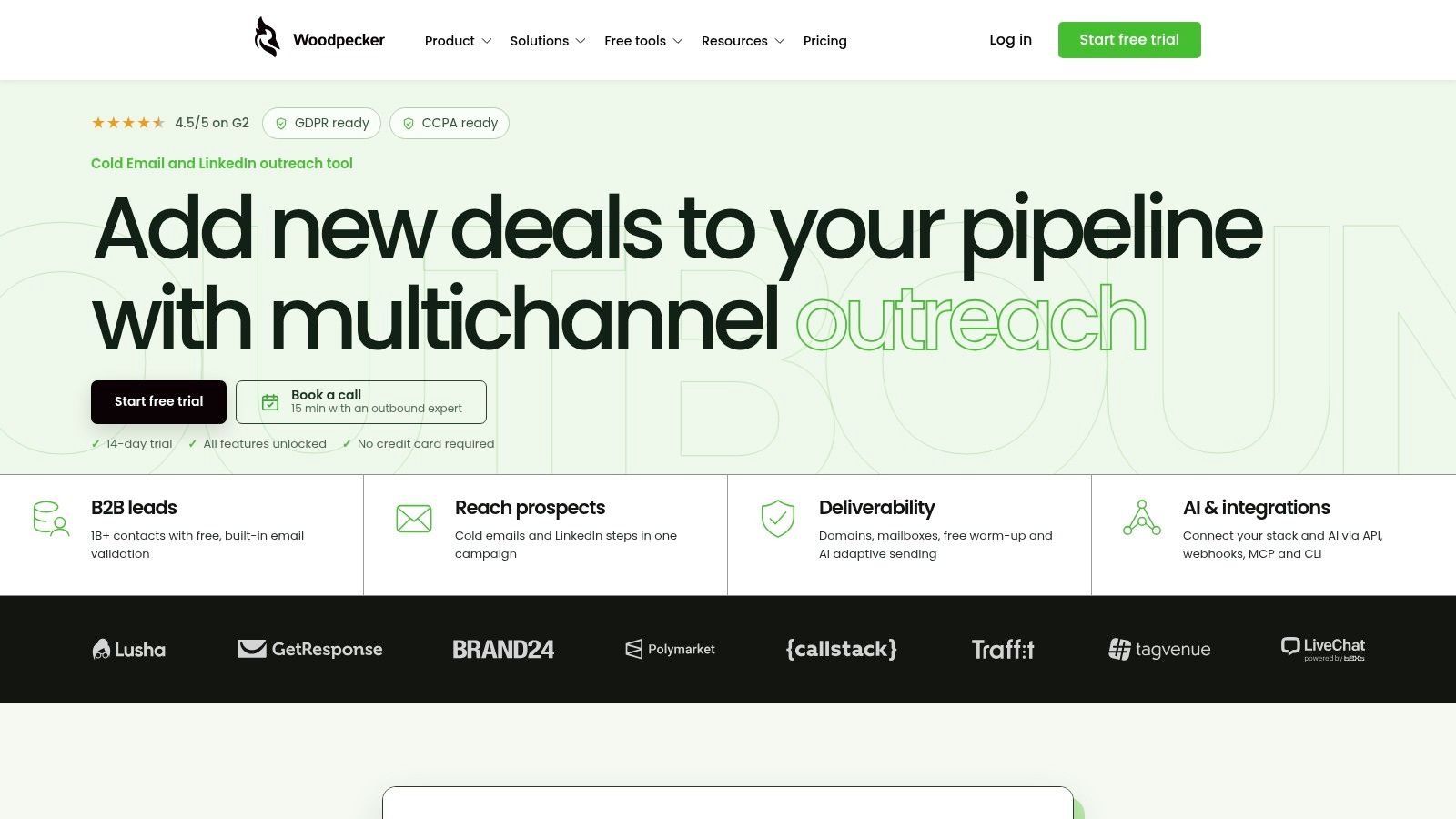
Woodpecker prices by prospects contacted rather than by mailbox. For a team with predictable list volume, that's easier to forecast than a send cap that punishes a big month.
Google's sender rules are the actual spec sheet. Since February 2024, senders delivering 5,000 or more messages a day to personal Gmail accounts have had to authenticate, keep user-reported spam below 0.1%, and stay far clear of 0.3%, per Google's sender requirements documentation. Cross the line and delivery support can disappear.
Practical rule: pull your SPF, DKIM, and DMARC records before you compare a single feature. Misalignment follows you to whichever platform you migrate to.
vs. Smartlead: contact-based pricing suits steady volumes, but the same prospect can be counted again across campaigns, so your retargeting sequence eats the allowance. Smartlead's send-based limits are blunter and easier to reason about.
- Pricing trap: extra warm-up slots, agency tooling, and LinkedIn steps are add-ons.
- Migration tip: count prospects contacted per month, not sends, then compare plans on that number.
See Woodpecker.
5. Apollo
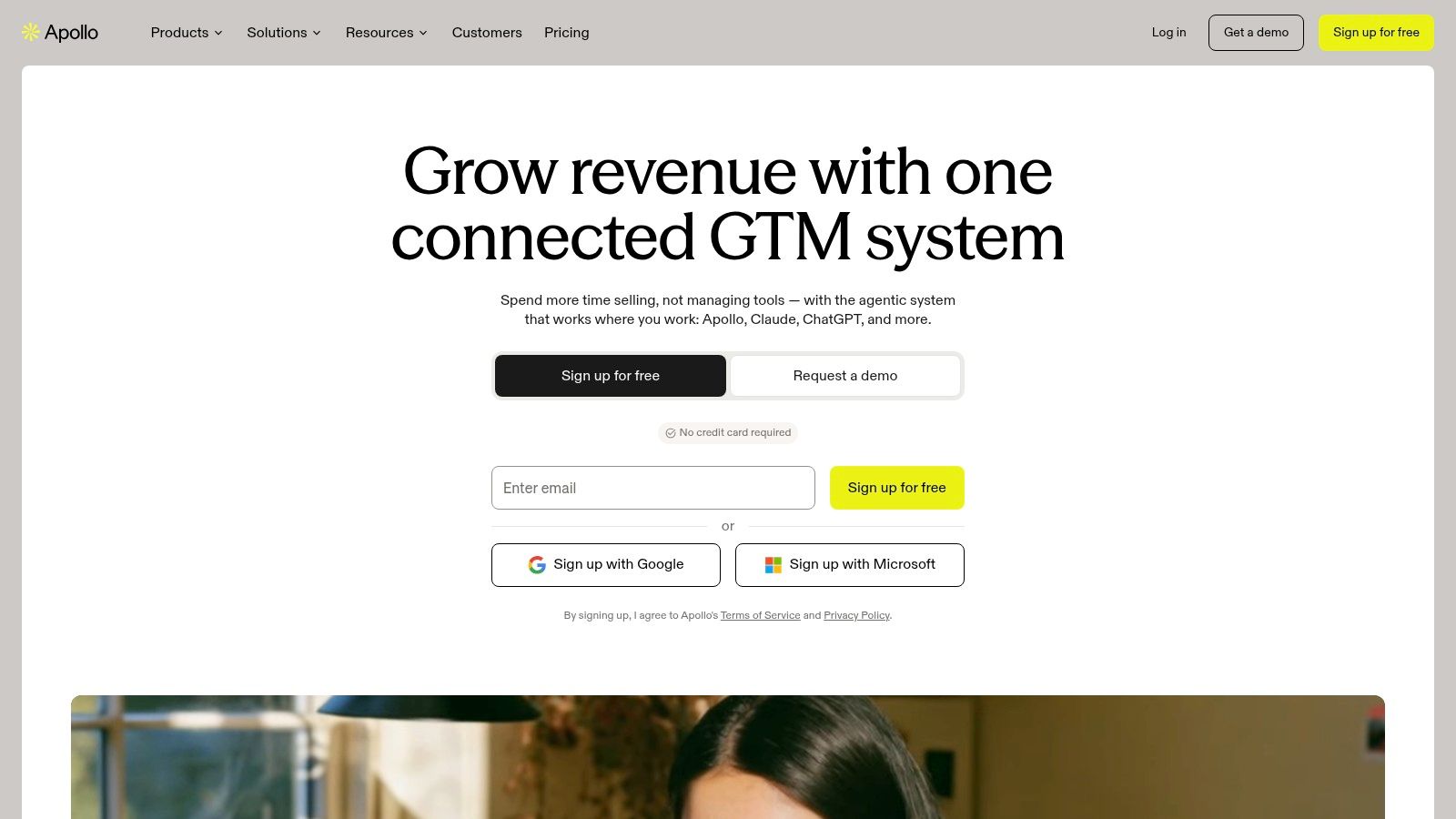
Apollo answers a different question. If your problem is that you don't have enough good contacts, a better sender won't fix it.
That's the case for many teams. A 2025 Metrigy estimate put the global CRM market at $83.0 billion, with 67.9% of organizations using CRM systems, as summarized in Quixy's CRM statistics roundup. The records exist. What's missing is a clean list and a sequence that runs without hand-holding.
Where Apollo Earns Its Seat
vs. Smartlead: Apollo replaces your data vendor and your sender at once, which is the entire point of buying it. Smartlead assumes the list is already yours and sends better across many mailboxes.
- Pricing trap: the credit model. Search, export, enrichment, and phone numbers all draw on the same budget, and per-seat pricing stacks as your team grows.
- Migration tip: re-verify every contact before it touches a live sequence. Data accuracy swings hard by segment and company size.
- Cons: deliverability is more variable than a dedicated sender, and the platform is easy to overbuy.
Apollo for the database, or the Apollo and Ever Outbound comparison if you'd rather not run it yourself.
6. Reply.io
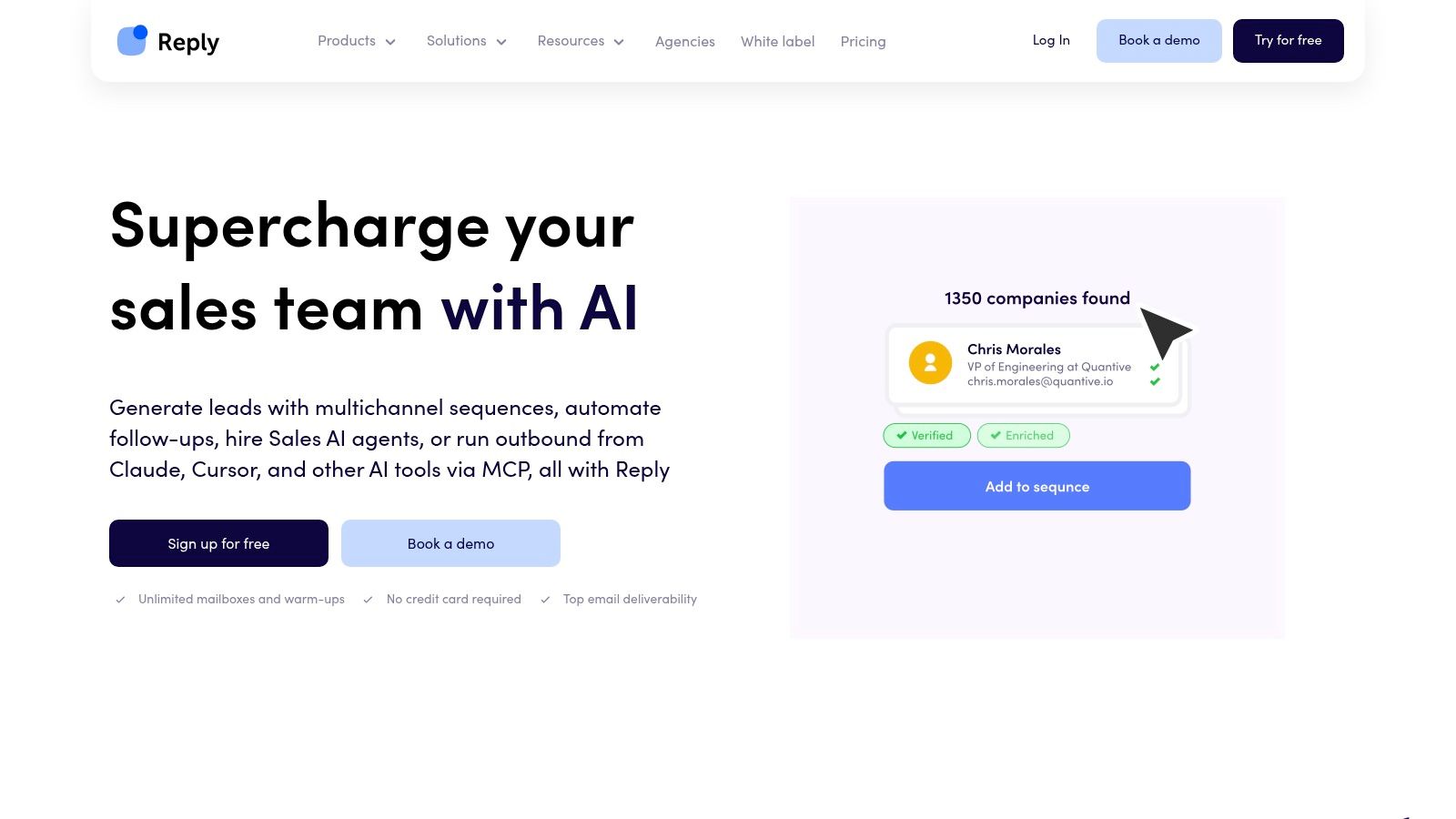
Reply.io is a sales-engagement system, not a sender. Email, LinkedIn, calls, and SMS in one cadence, plus an AI SDR that handles conversations on the higher packages.
That breadth matters the moment you sell across borders. The ICO's guidance on business-to-business marketing states the PECR consent rule doesn't apply to corporate subscribers such as limited companies and limited liability partnerships, so unsolicited B2B email to those entities is generally allowed, provided you identify yourself and offer a working opt-out. Individual subscribers need consent or a qualifying soft opt-in. Segment by recipient type or you'll get UK outreach wrong.
vs. Smartlead: Reply.io charges per user and gates channels by plan. Smartlead is email-only and cheaper per send. Pick Reply.io only when the third channel does work.
- Pricing trap: LinkedIn, calling, and SMS often need a higher tier or add-on, and the AI SDR is a separate, much larger purchase.
- Migration tip: keep your first sequence email-only, then add LinkedIn steps once the email step earns replies.
Start with Reply.io, or read Reply.io and Ever Outbound side by side.
7. Mailshake
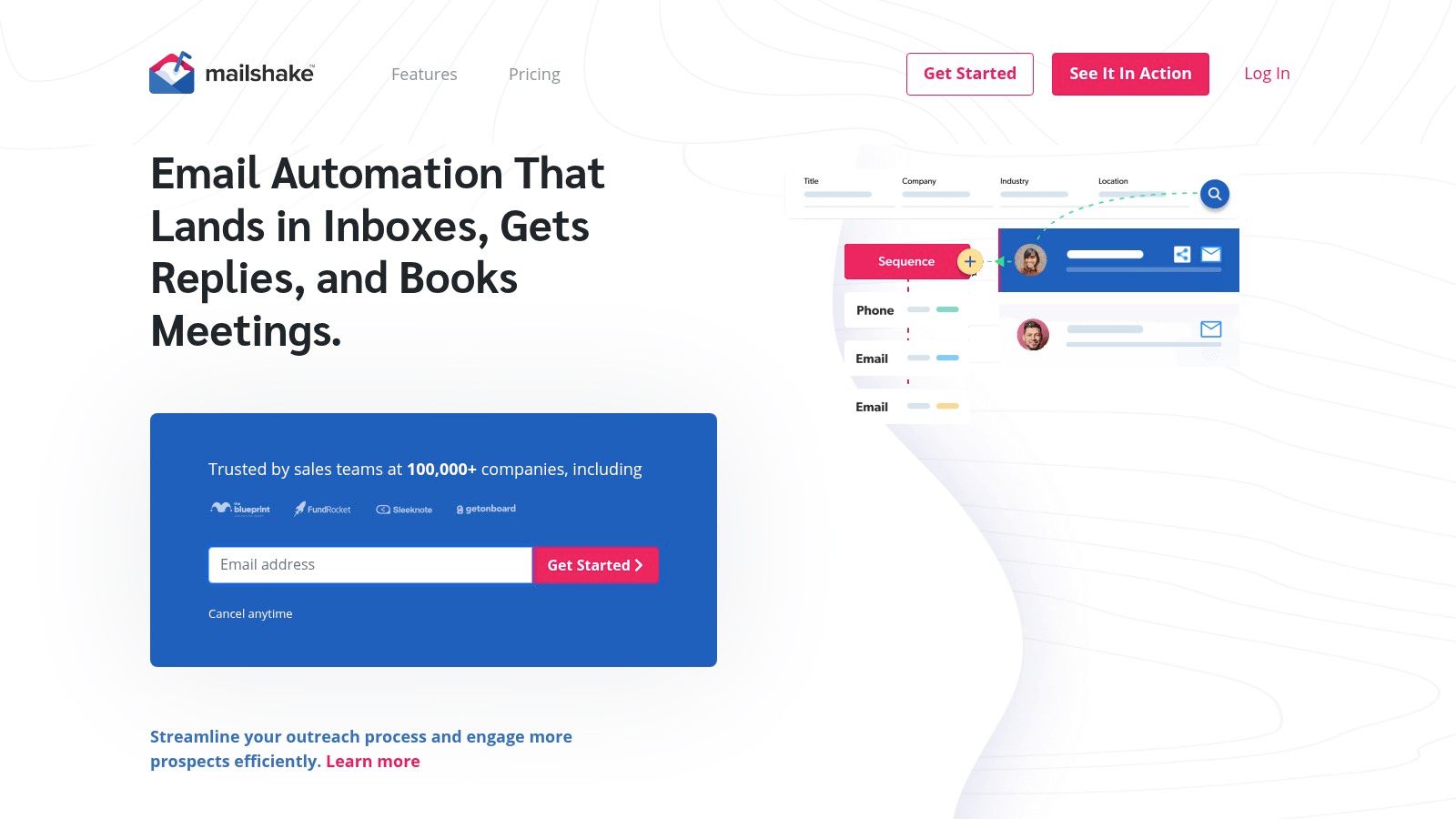
Mailshake is plain email sequencing with a dialer bolted onto the top tier. It's the least exciting option here, and sometimes that's the whole brief.
Compliance is where it deserves attention. The FTC's CAN-SPAM compliance guide requires a clear opt-out in every marketing message, a mechanism that keeps working for at least 30 days after the send, and honored requests within 10 business days. That's an operations problem, not a copy problem. Your suppression list has to load into every tool you touch.
vs. Smartlead: Mailshake's standard plans cap sending addresses at one, two, or ten per user, and per-user billing makes a 40-mailbox setup expensive quickly. Smartlead's unlimited mailbox model wins on fleet economics every time.
- Pricing trap: more sending accounts means a higher plan or more users, and no free trial is listed.
- Migration tip: keep one master suppression file outside both platforms. It's the first thing you import and the last thing you check.
mailshake.com if simple is what you need.
8. QuickMail
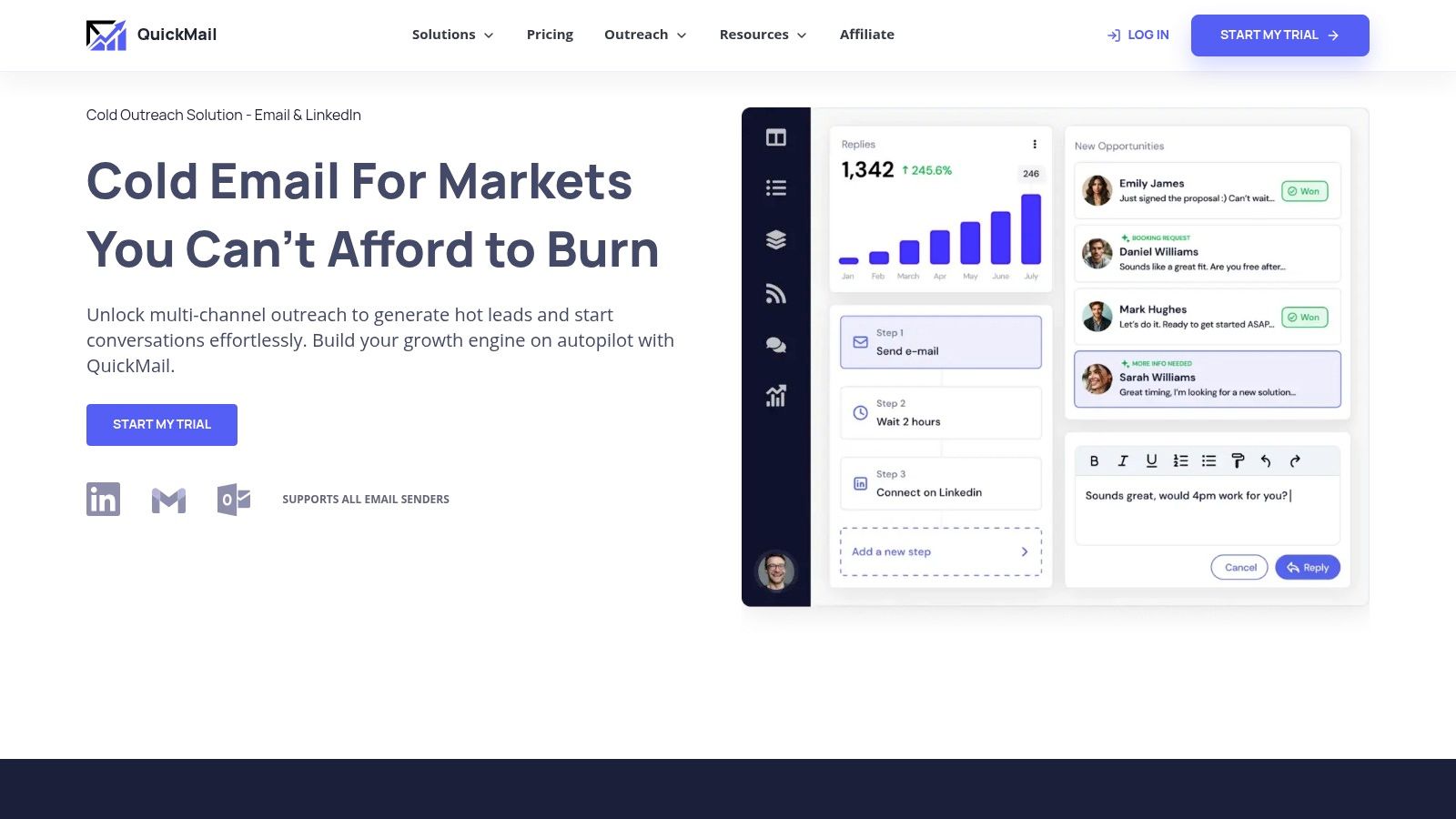
QuickMail focuses on sending, mailbox rotation, reply handling, and analytics. It uses your connected Gmail or Microsoft mailboxes, so your sending setup stays tied to the providers you already use.
Inbox placement still depends on the sending infrastructure around the software. A summary of Validity's deliverability benchmark reports that messages can be filtered as spam or go missing, even when a platform handles the sequence correctly.
What to Check Before You Commit
vs. Smartlead: QuickMail's flat, unlimited-sender model can suit a small team running multiple mailboxes. Smartlead offers more room for agency workflows and larger sending operations. Choose based on the structure you need, not the sender count alone.
- Pricing trap: The entry plan has monthly limits on uploaded contacts and emails, and the trial requires a card. Check QuickMail's current pricing before committing.
- Migration tip: Keep warm-up running on the old setup until the new mailboxes pass a placement test. Avoid switching everything over in one day.
- Trade-off: QuickMail does not include lead data or built-in prospecting, so you'll need another source for contacts.
9. SmartReach.io
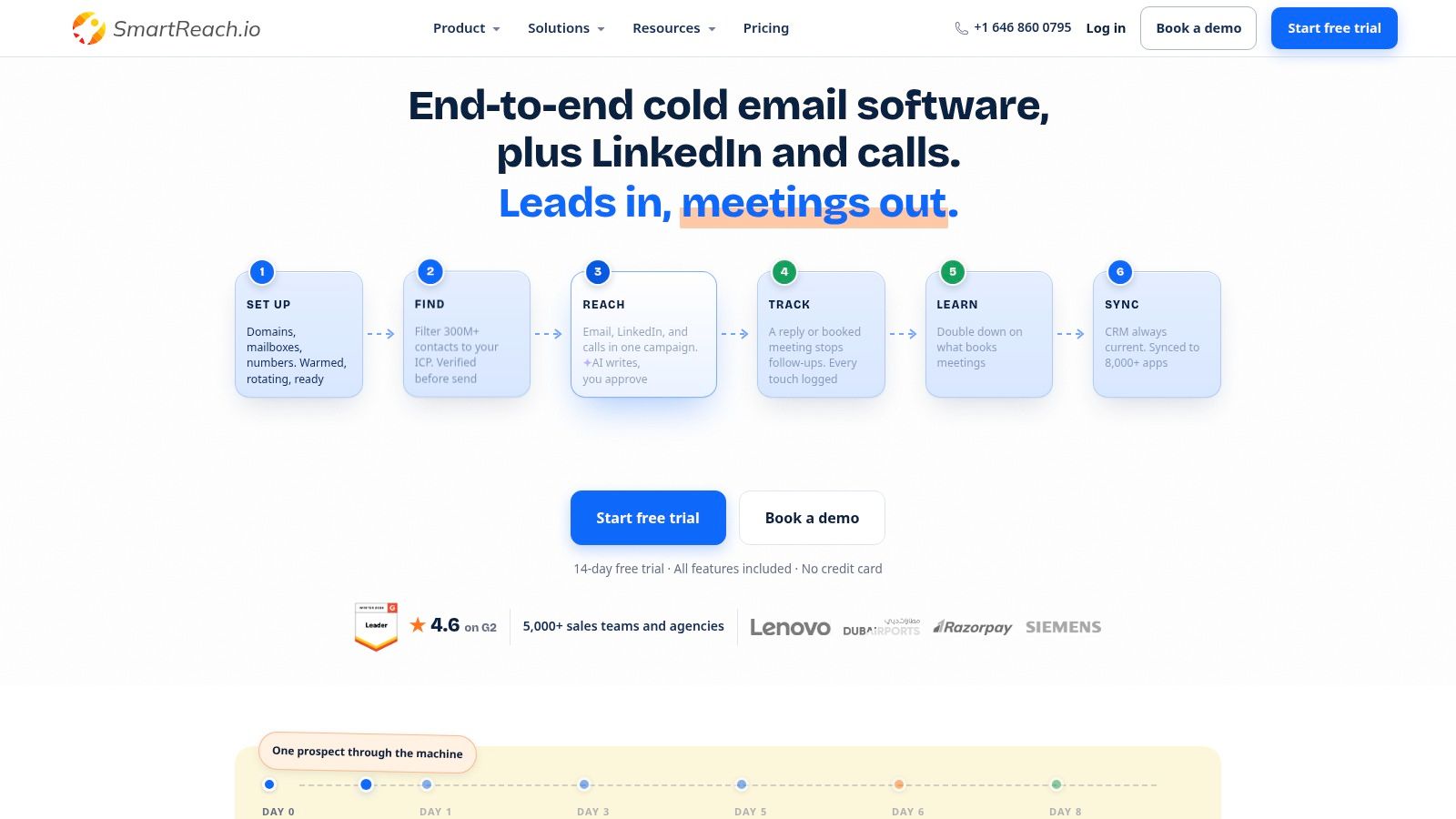
SmartReach is the closest structural copy of Smartlead on this list: email sequences, a reply inbox, inbox health controls, plus optional LinkedIn, calls, and WhatsApp as you scale up.
The infrastructure conversation is more useful than the feature one. Unspam's 2025 email deliverability benchmark report recorded SPF adoption at 92%, DKIM at 88%, and DMARC at 69%, yet only about 60% of messages reached a visible mailbox once inbox, Promotions, and Updates placement were counted. Accepted delivery and inbox placement are two different numbers, and only one of them books meetings.
vs. Smartlead: SmartReach includes unlimited users and inbox rotation on its mid tier, which undercuts per-seat pricing. The catch is gating. Client dashboards, some integrations, and LinkedIn automation cost extra.
- Pricing trap: the entry tier carries a low active-prospect cap, and agency features sit above it.
- Migration tip: ask for a trial on your own list and domain. Someone else's benchmark says nothing about your reply rate.
10. Salesforge
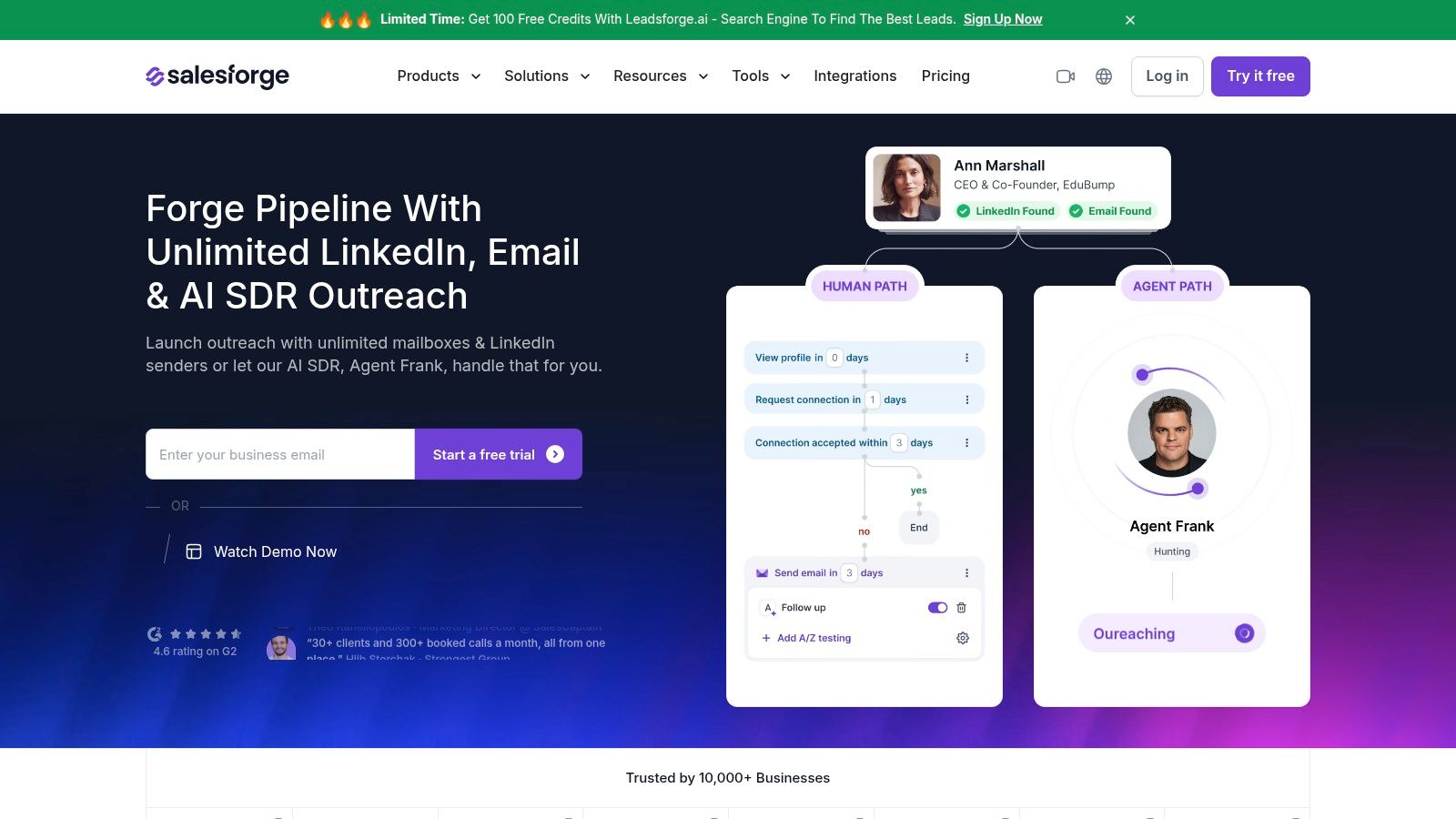
Salesforge leans hard into AI personalization plus LinkedIn social actions, and it publishes per-tier volume limits, which is refreshing compared with most competitors.
The copy was never the hard part. Sales.co's 2026 email research found only 29.31% of tested addresses were classified as safe to send, with 21.77% risky and 25.34% not safe, and it also reported that 58% of senior GTM leaders felt AI-generated competitor outreach was overwhelming buyers. A brilliant personalized email sent to a dead mailbox is just noise with good grammar.
vs. Smartlead: Salesforge bundles multichannel actions and AI writing into one product; Smartlead stays email-only with deeper sending infrastructure. If LinkedIn steps belong in the same sequence, Salesforge and lemlist are the honest comparisons.
- Pricing trap: active contacts, monthly email, and personalization credits are all capped per tier, and LinkedIn capacity pushes you up a plan.
- Migration tip: run your control sequence against the AI variant on the same list for two weeks. If the variant doesn't win, you're paying for credits.
Salesforge, plus the Salesforge and Ever Outbound comparison.
Smartlead Alternatives at a Glance
Smartlead alternatives differ less in their feature lists than in how they charge for volume, users, data, and channels. Compare the billing model with the job you need done before switching.
| Platform | Free Trial or Plan | Channel Focus | Pricing Trap to Watch | Best For |
|---|---|---|---|---|
| Instantly | Free plan | Email-first | Usage limits and add-on credits | Teams combining prospecting and email outreach |
| lemlist | 14 days | Email, LinkedIn, and calls | Per-user multichannel pricing and data credits | Teams coordinating personalized multichannel campaigns |
| Saleshandy | 7 days, no card required | Email-first | Prospect and email limits; optional lead and infrastructure costs | Teams wanting sequences and reply management together |
| Woodpecker | 14 days, no card required | Email with optional LinkedIn | Add-ons and prospects counted across campaigns | Teams with predictable prospect volumes |
| Apollo | Free plan | Prospecting and email sequences | Data credits and per-seat costs | Teams needing contact data and outreach in one platform |
| Reply.io | 14-day multichannel trial | Email, LinkedIn, calls, and SMS | Active-contact limits, user pricing, and channel add-ons | Teams coordinating multichannel sequences |
| Mailshake | No free trial listed | Email, with phone on higher plans | Per-user billing and email-account allowances | Teams seeking straightforward outreach with an option to add phone |
| QuickMail | 14 days; card required | Email and LinkedIn | Starter volume limits; trial card requirement | Teams wanting unlimited senders and users |
| SmartReach.io | 14 days, 200 prospects | Email with optional LinkedIn, calls, and WhatsApp | Some features and agency tools cost extra | Teams that want to add channels as needed |
| Salesforge | 14 days, with restricted volumes | Email and social actions | Contact, email, and personalization-credit limits | Teams prioritizing AI personalization in outreach |
Pick Your Path: Better Software or Booked Calls
There are two paths here and it's worth choosing one on purpose instead of drifting between them.
If you enjoy running outbound, one of the ten above will fit your volume and budget. Choose by pricing model, not feature count. Contact-based pricing rewards small, research-led lists. Sending-volume pricing rewards a big list and a tight sequence. Per-seat pricing rewards one operator and punishes a team of three. That single decision predicts your bill better than any feature grid ever will.
If you'd rather show up to closed deals than manage mailboxes, the honest answer is that no migration tip above fixes the underlying problem, which is usually list quality, offer, follow-up discipline, and whoever answers replies at 4pm on a Friday. We're pay-per-close at Ever Outbound, so a burned domain or an unqualified meeting costs us rather than you.
Either way, the next step is the same and it costs nothing. This week, before you migrate anything, run your current sending domain through a deliverability check. Look at four things: authentication alignment across SPF, DKIM, and DMARC, blacklist status, inbox placement by mailbox provider, and your bounce rate over the last 30 days. If authentication is misaligned, fix it first. Migration won't fix it and it will reset your warm-up while you find out.
Then fix your measurement before you spend another dollar. Delivery, opens, replies, booked calls, closed revenue. If you can't see which stage broke, you'll churn through three platforms this year and blame each one. If ads are also in the mix, tracking Calendly bookings as Google Ads conversions closes the loop between the inbox and the channel that gets credit.
Decide with data from your own domain. A tool choice made on someone else's benchmark is a guess with nicer formatting.
Ever Outbound Inc. runs done-for-you B2B client acquisition, from prospect research and personalized copywriting to sending infrastructure, warm-up, and booking qualified calls on your calendar. Pricing is pay-per-close, with plans from $97 per month plus a 5% commission on deals you close, and your first 2 closes are commission-free. Visit Ever Outbound Inc. to see which plan fits your outbound volume.